Saturday, 14 December 2013

How to Use Your Android Device as a Security Camera part 1


http://blog.laptopmag.com/wpress/wp-content/uploads/2013/08/athome-security-cam.jpg

If you want to monitor your home or business while you’re away, you’re going to need an Internet-connected camera. However, if you have an old smartphone that’s sitting around gathering dust, an old tablet that has lost its luster or an Android stick with a webcam like the Measy U2C, you can turn it into an always-on, wireless camera with minimal hassle. Here’s how to turn your Android device into a security camera.
1. Download AtHome Video Streamer.. There are a number of different security camera apps available, including IP Webcam, which also offers great free streaming. However, it’s more difficult to view video from outside your local network with that app

2. Swipe past all the introductory screens until you see the Start Now button, which is on the fourth screen.
athome streamer intro scree

3. Tap the Start Now button. You will see a live camera view screen.


athome video screen


4. Tap the menu button in the upper left corner.

5. Tap Change Password. 

athome change password

6. Enter a custom username and password and tap Save.


athome change username


7. Tap Back to return to the camera screen.


8. Write down the CID code, which is located in the upper right corner of the screen.


athome get cid


9. Position your device in the location you want it to monitor and make sure it is propped up with its primary camera facing outward. If you don’t have a dock, Toddy Gear makes a $15 bean-bag stand called the Wedge which can prop up any smartphone in landscape or portrait orientation.


CONTINUE IN PART 2...

Posted By Unknown21:16

How to Use Your Android Device as a Security Camera PART 2

 AFTER YOU HAVE POSITION UR DEVICE

View Your Wireless Camera

Once you have the camera set up, you’ll want to view it from another device. By installing the viewer application, you can keep track of up to five cameras from another phone or tablet. Unfortunately, you can only view from an Android or iOS device, not from a Windows PC or Mac. To view your camera stream on an Android device:

 
2. Tap Add in the upper right corner and select By CID.

athome camera add camera

3. Enter the CID, username and password from the device you’re using as a camera, toggle on Remember Me and tap Save.

athome camera enter cid

4. Tap on the camera icon to connect to the remote account.

athome camera select camera

5. Select the camera you wish to view. If you have only one camera on the account, it will be the top camera.

athome camera pick

You will see a view from the camera you selected. Using the controls at the bottom of the screen, you can capture stills, switch between front and back cameras (if the device has both) or turn the flash on / off for extra lighting.

athome camera live video


ENJOY GUYS 
ADMIN
SIVA AGGZZ


Posted By Unknown21:14

Thursday, 12 December 2013

OG Battery MOD- GUIDE TO Change Battery Icon FOR NOOBS AND EXPERTS

 WITH THIS MOD ANY ROOTED USER CAN CUSTOMISE HIS ANDROID PHONE WITHOUT REQUIRING ANY CUSTOM USERS
THIS IS A GUIDE FROM ANDROID FREAKS SO THAT ALL ANDROID USERS CAN ENJOY IT AND DEVELOPE THEIR KNOWLEDGE REGARDING ANDROID CUSTOMISATIONZ..
HOPE U ALL LIKE IT

OG Battery MOD Helps You To Change Your Battery Icon On Your Android Without Rebooting!
But To Be Obvious.. Requires Root!


Steps:

  • Download OGBatteryMod and extract files anywhere 
  • Run OGBatteryMod.exe

Step 1:


In step 1 there are 3 options 


Option 1Download & Mod Apps from connected device
________     Reading connected devices 
________     Download required files 
________     Deodexing 
________     Modding

Option 2
Mod an existing files
________     To mod an existing file on your computer 
________     use this option if you can't see your device
________     or if you get Failed to download files

Option 3
Add & Delete styles
________     To add your styles

Step 2:

  •       Downloading necessary files
  • ___ SystemUI.apk & Settings.apk & Resources & framework files for deodexing 

Step 3:
  • Adding OGBatteryMod
  • Modding, Signing and ZipAlginning (SystemUI.apk & Settings.apk)

Step 4:
In step 4 there are 3 options 

Option 1 :

  •  Apply changes & restart device (Root)
  • ________ Copy modified SystemUI.apk & Settings.apk to '/system/app'
  • ________ Rebooting your device


Option 2 :

  •  Copy new files to '/sdcard/og' (Root)
  • ________ Copy modified SystemUI.apk & Settings.apk to '/sdcard/og'
  • ________ Use this option if you Get (Failed to get ROOT access) and then copy modified files manually OR if you want to copy modified files manually 


Option 3 :

  •  Create Flashable Zip (No Root)
  • ________ Create 2 flashable Zips (Mod & Backup)
  • ________ Works in Stock Recovery Tested on SGAce2 & SGNote)

After install:
Click the battery icon 3 times to open OGBatteryMod Settings

Bugs:
1- Failed to decompiling SystemUI
___ The problem from apktool 
___ (Exception in thread "main" brut.androlib.AndrolibException: Multiple resources)

2- SystemUI & Settings FC (Force Close) or StatusBar not shown 
___ 1- Open up the command prompt 
___ 2- Navigate to (folder where you extracted this app)\tools
___ 3- Type ( adb logcat -d > Logcat.txt )
___ 4- Upload Logcat.txt file

3- Failed to get ROOT access
___Copy all files that located on 'sdcard/og' to 'system/app' then reboot

Note:
___ If you want to back to original files (because SystemUI FC) ___ You can find the original files in :___ 1- (folder where you extracted this app)\tools___ 2- sdcard/OG/Backup

DOWNLOADS:
-Fix 'Mod an existing files' bugOGBatteryMod v2.0.1
-Fix create Flashable Zip bugOGBatteryMod v2.0.0
-Add option to create Flashable Zip (Works on stock recovery)
-Support odexed files in option 2 (Mod an existing files)
-Support unrooted devices (Flashable Zip) - (Tested on Unrooted SGNote)
-Support Android 2.3
-Fix bugs

SCREENSHOTS AND OTHER INFORMATION:


BLOG ADMIN~
SIVA AGGZZ

Posted By Unknown21:57

Sunday, 8 December 2013

Download: Latest Google Play Store 4.5.10 With Shared Play Store Activity, IAP Indicator, And More

Filled under:

It's that time again - Google has pushed out an update to the Play Store with plenty of enticing new features. We've got the APK, so after a brief rundown of some of the more notable features (we'll scour the APK in the coming days for any hidden goodies), we'll give you a link to download the app for yourself.

What's New?

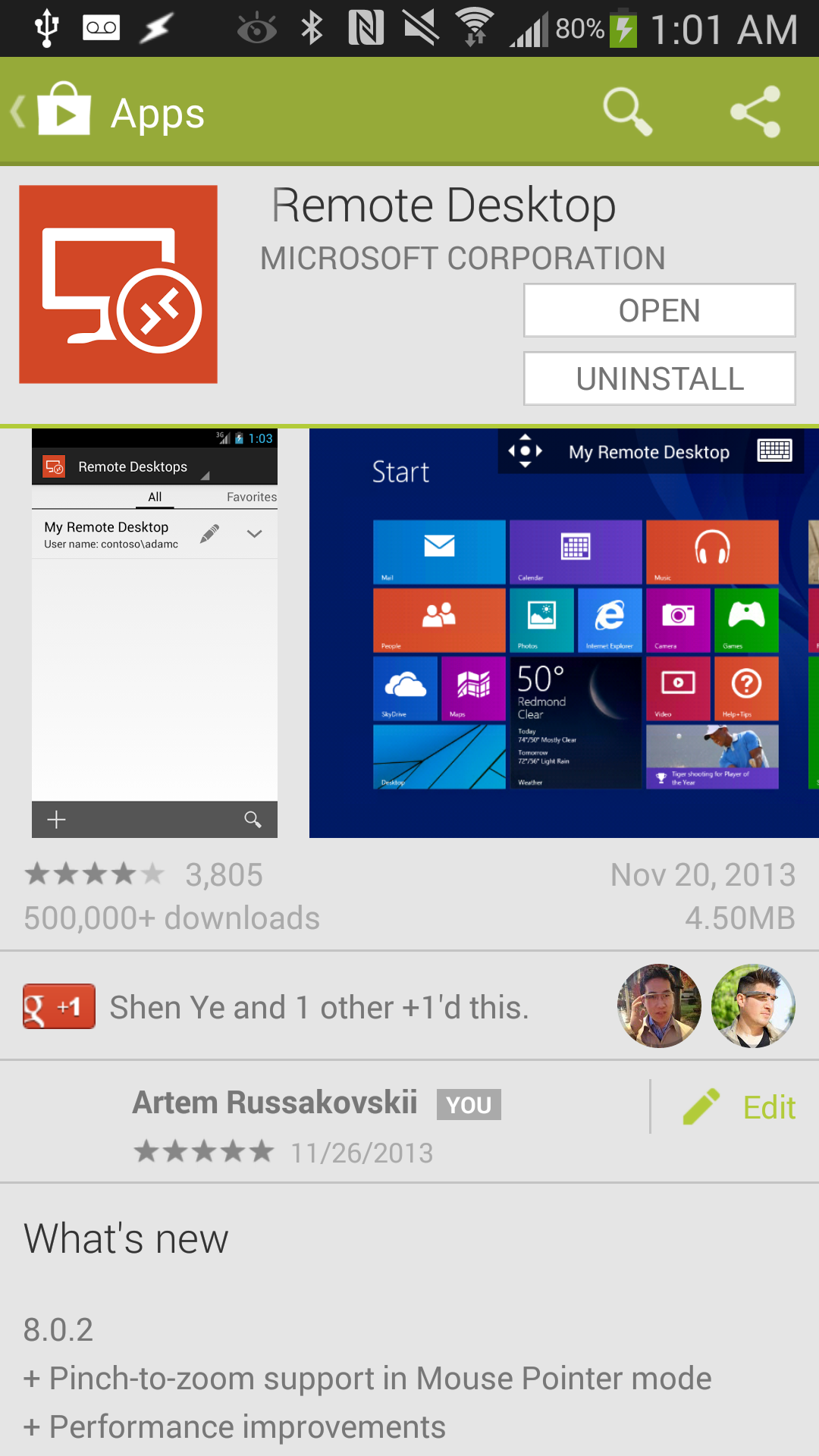
One of the most exciting features packed into the 4.5.10 update is an indicator for in-app purchases. This seems to be more of a binary yes-or-no indicator (it won't give you insight into cost or quantity of IAPs), but it's great to see some kind of indication of whether the app you're about to download will be asking you to make further transactions.
image
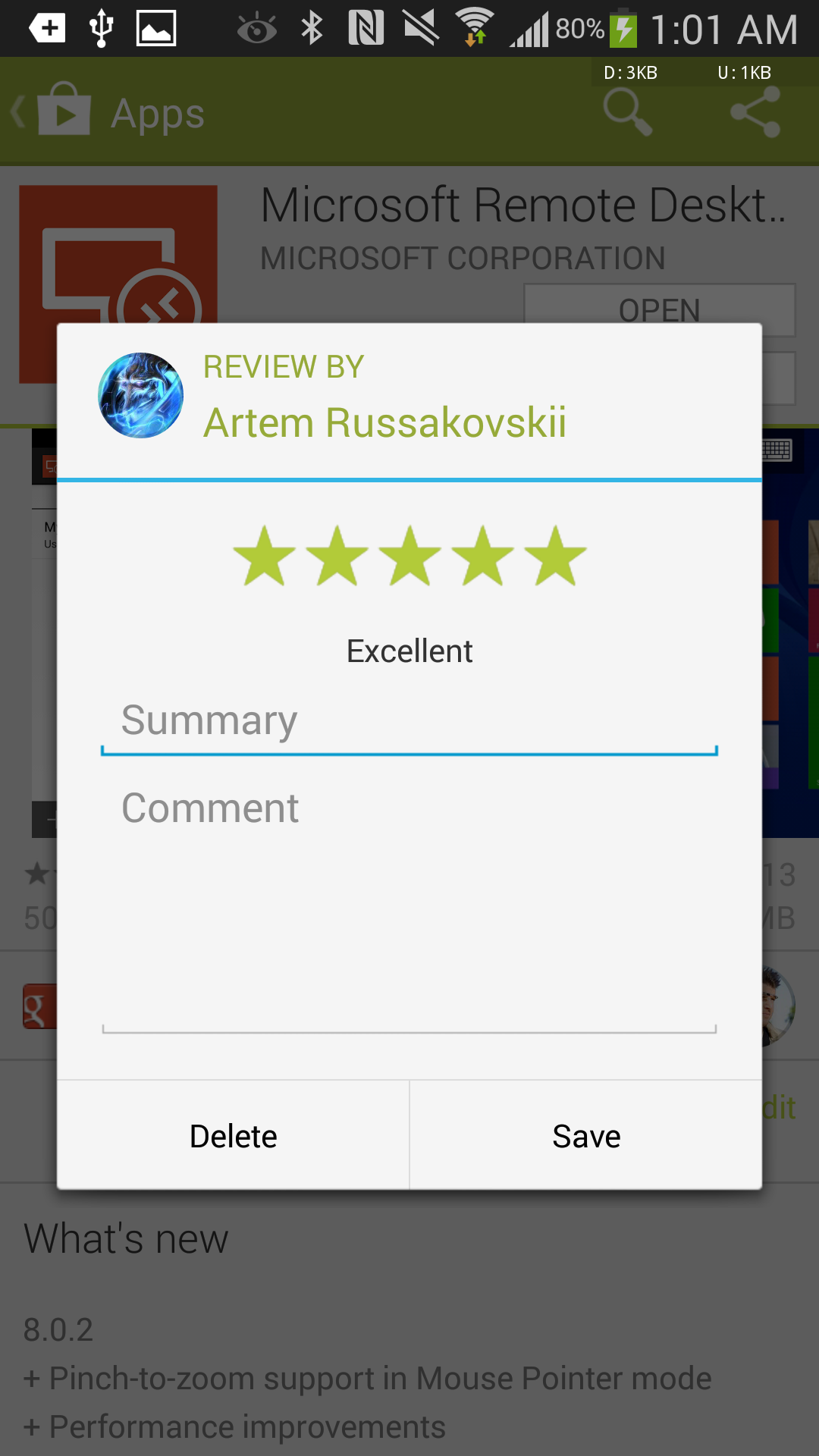
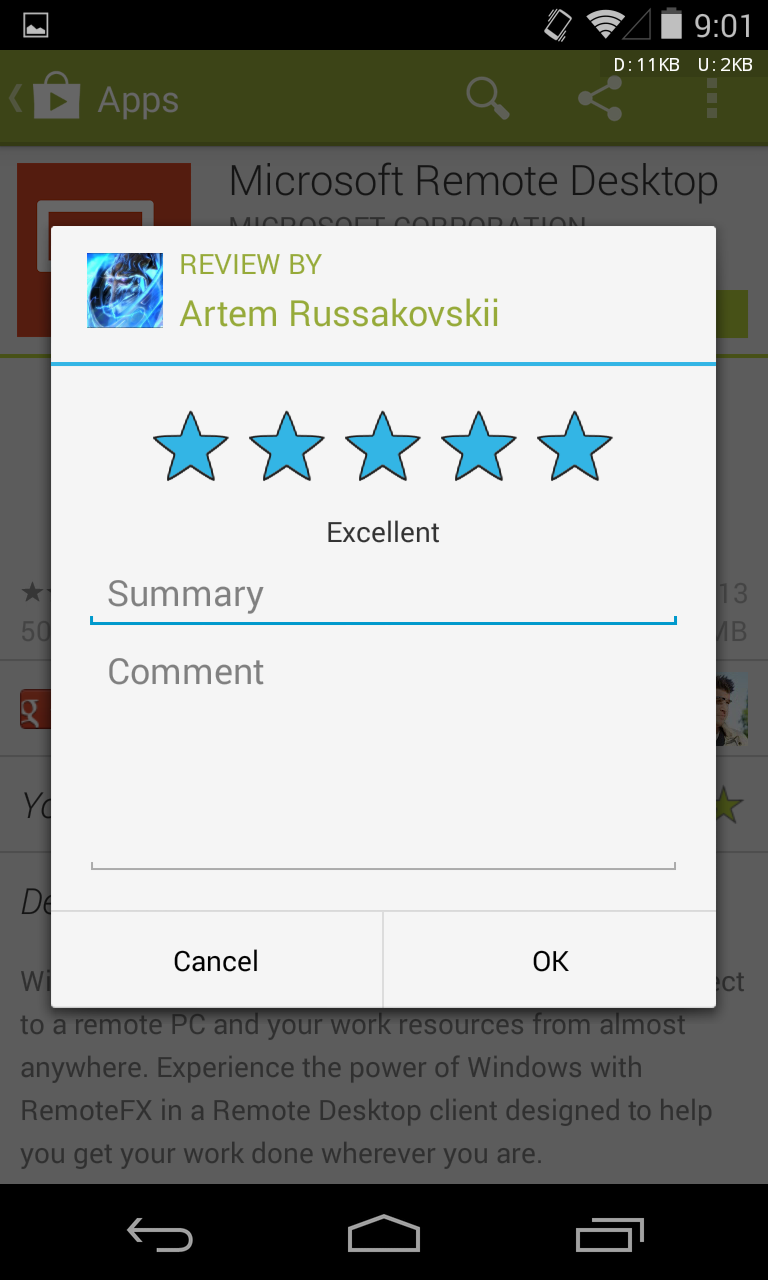
The update also brings some tweaks to the review process and its related layouts. First, the Play Store's got a new layout for viewing your own review, and a large five-star selector if you've yet to rate an app. There's also an explicit "Edit" button, which should make the ability to edit your review a little more obvious. 


Screenshot_2013-12-06-01-02-16 Screenshot_2013-12-06-01-01-04

Unlike previous versions of the Play Store, 4.5.10 allows users to delete their reviews as well. Oh, and the stars have been changed too - they're now green, sans outline, and a bit sharper. Update: We didn't catch this originally, but it turns out the stars are colored according to what category they belong to - Books has blue stars, Movies & TV has red stars, etc. Thanks Nicholas for pointing this out!
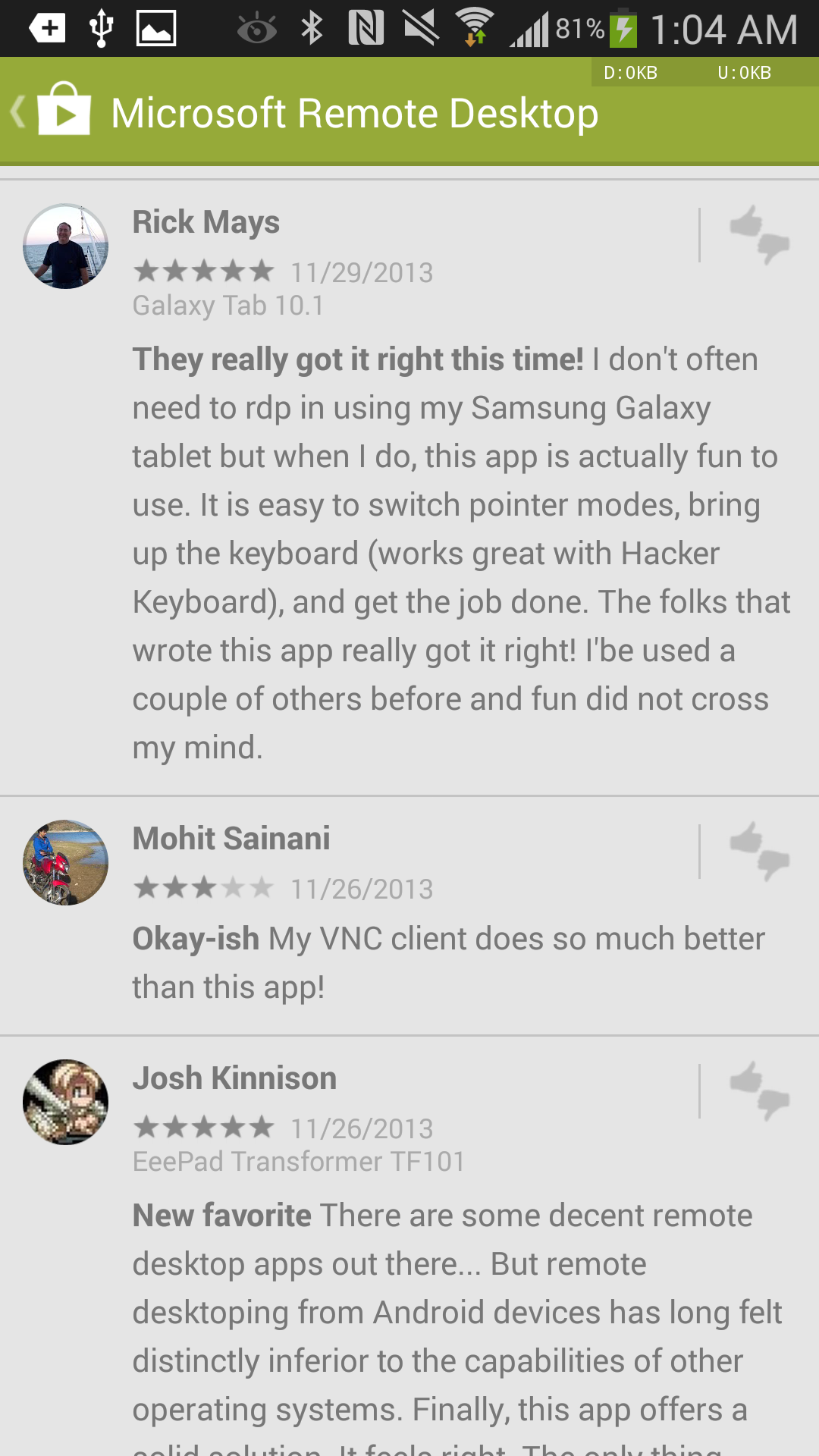
Across all reviews (your own included), avatar images are now encapsulated in circles rather than squares. This is a small touch, but brings the app a little closer to its web counterpart.
Elsewhere, some information and typography (related to devices, users' names, and versions) have been adjusted. .

Screenshot_2013-12-06-01-04-38 Screenshot_2013-12-06-01-01-27

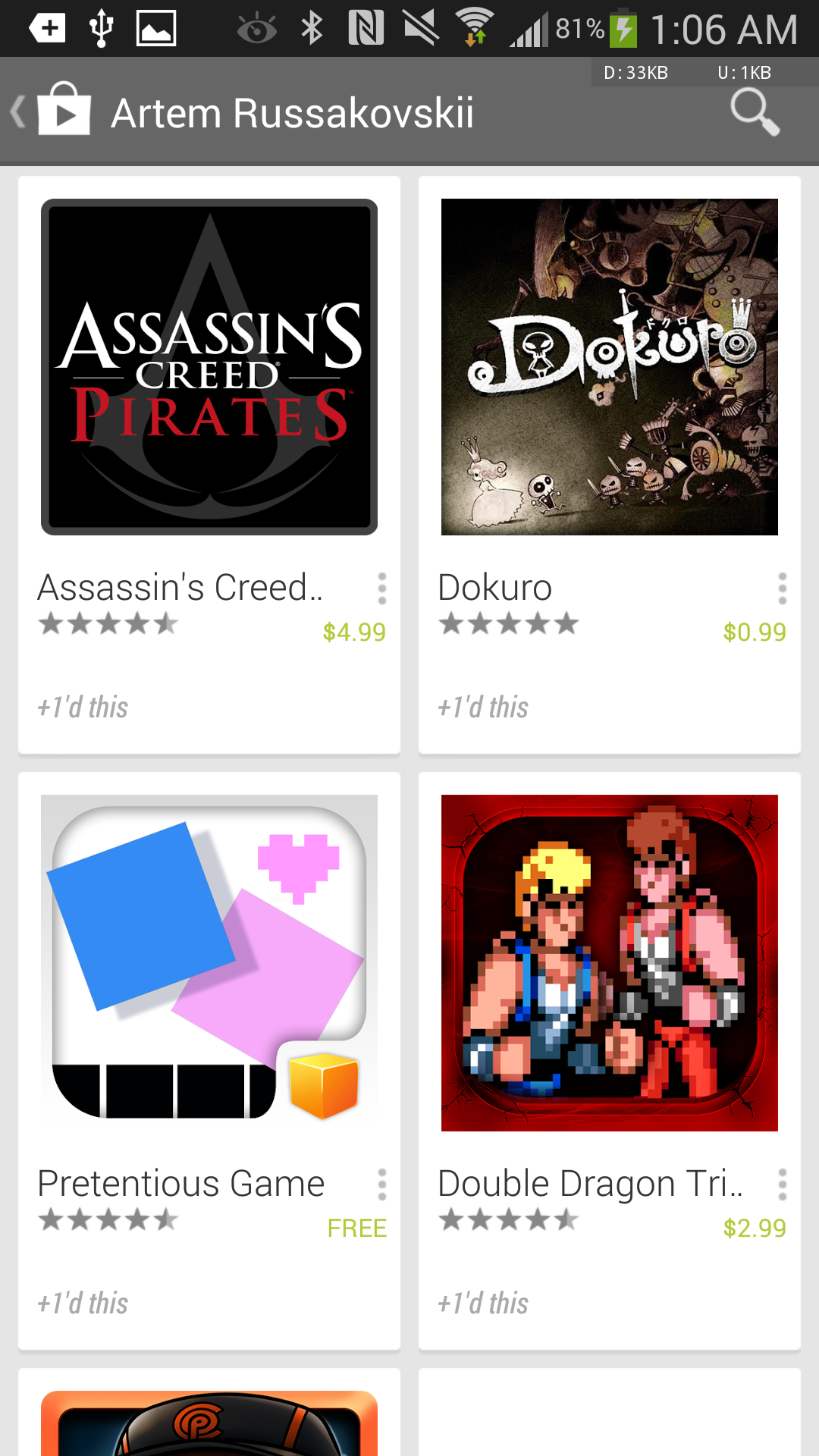
Another addition to the Play Store is an activity feed. Essentially, the Play Store will now allow you to view and share a stream of your Play Store activity with others, all connected to your Google+ profile. This feed will show your +1s, ratings, etc. and allow you to click through to G+ profiles as well.
Screenshot_2013-12-06-01-06-30
Screenshot_2013-12-06-01-06-44Screenshot_2013-12-06-01-14-05  
The Play Store is also a bit more forward in providing recommendations and encouraging users to rate items, offering up items with huge star selectors to enhance the store's suggestions for future content. To further aid you in discovering new apps or games that you'll like, the Play Store will include items rated by your G+ contacts, and will float those contacts' reviews to the top in individual listings.
Screenshot_2013-12-06-02-29-32 Screenshot_2013-12-06-01-38-01

The APK is signed by Google and upgrades your existing Play Store. The cryptographic signature guarantees that the file is safe to install and was not tampered with in any way. Rather than wait for Google to push this download to your devices, which can take weeks, download and install it just like any other APK and enjoy the new Play Store experience.

DOWNLOAD HERE


Posted By Unknown21:27

Update fake facebook status VIA SAMSUNG GALAXY S5 :P

Update fake facebook status via iphone 5, blackberry w10 ,galaxy s4

Update+status+via+iphone 5+blackberry+galaxy s4

You might have seen many of your friends updating facebook status via  Iphone 5,Blackberry W10,Galaxy S4 and so on...

And when you update status Via mobile is written.

isn't this really embarrassing that you cant update your status via iphone or via blackberry.

Don't be sad :) today i am going to show you how to update a fake status on facebook followed by 
VIA IPHONE or VIA BLACKBERRY even by using samsung champ or any other cheap phone :) isn't it really awesome that you can fool you friends by updating fake status and they would think that you really bought a galaxy S4 or any other expensive phone.
This trick isn't that much popular so your friends won't doubt on you .

there are many android apps also for this trick like FAKE STATUS VIA , UPDATE STATUS ,VIA IPHONE 5 but its not very much necessary that every one is using an android phone.

so i am going to tell how to do this trick online so no android phone needed.

You might have seen updated via like this :-

fake-update-status-via-iphone 5-blackberry

I dont think now i have to clarify that this trick 100% works because it is not possible to update status via nasa satellite . and you can also see the 2 upper one 

*** ago via Galaxy S3 
ago via Iphone 5
 So you have to just goto this website and choose the phone according to your choice.
click on that and you have to just login to your facebook account allow the app and write the status you want to be updated with via iphone 5/blackberry or any other phone and yipeeee you are done . go Here for fake Update via iphone 5/galaxy s4 


Posted By Unknown17:16
Powered by KikBooks Widget