Saturday, 28 December 2013

iOS7 LOCK SCREEN PORT


iOS 7 Lockscreen Parallax HD - screenshot thumbnail
iOS 7 Lockscreen Parallax HD - screenshot


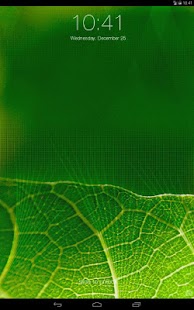
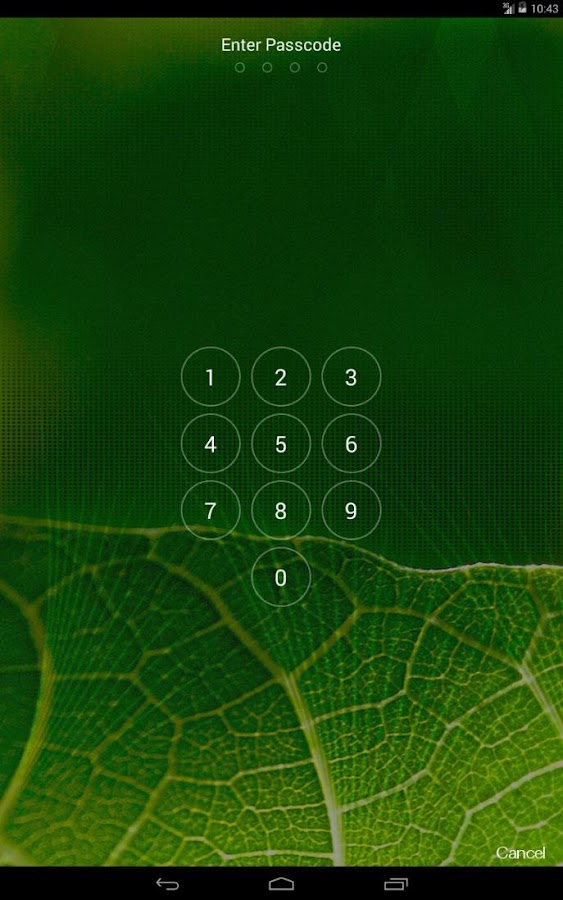
iOS7 is a new, completely redesigned system developed for Apple devices but now it is kinda routine to make a port for every new thing that comes. This time it's the lockscreen brought and ported from iOS7. It looks pretty nice, very simillar to original one and brings the new 3D wallpaper effect. Even if you hate iOS so much you should check this out!

As always, there are a bunch of iOS-ish replicas but this one, I would say, is pretty nice. It offers original iOS look, pin code security, 3D effect and iOS7 Control center.


The app is completely free . For best effect without any problems be sure to have the old lockscreen disabled. App is supported for HD-phones.

DOWNLOAD HERE

Posted By Unknown22:37

How to speed up Home Button response and make Apps Launch Much Faster?

 Pimp My Rom (Beta) - screenshot thumbnail
 Cover art


Pimp My Rom (Beta) - screenshot


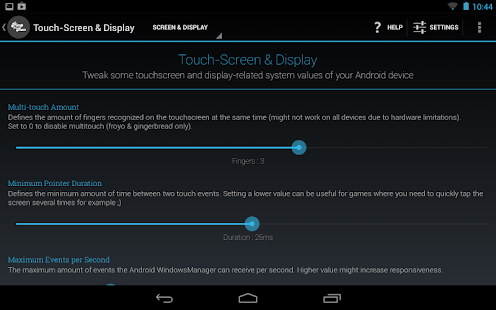
I've heard a bunch of complaints of slow launcher redrawing, lazy home button response and poor speed overall at launching apps. Well, you might not believe, but it's relatively easy to fix this problem and make launcher and apps launching way faster!

This slow re-launching of all apps is caused by simple "phenomenon" - it's been closed. We all know how fast is it, to open minimalized apps and brag yourself that your phone is the fastest in opening apps, right?
We also know when the RAM is running low, the minimalized apps are getting killed to prevent of reboot caused by low usage. But what if we lock these apps to memory and protect them from getting killed by system? It's possible.

If you read my recent post (not that recent, tho), you know the
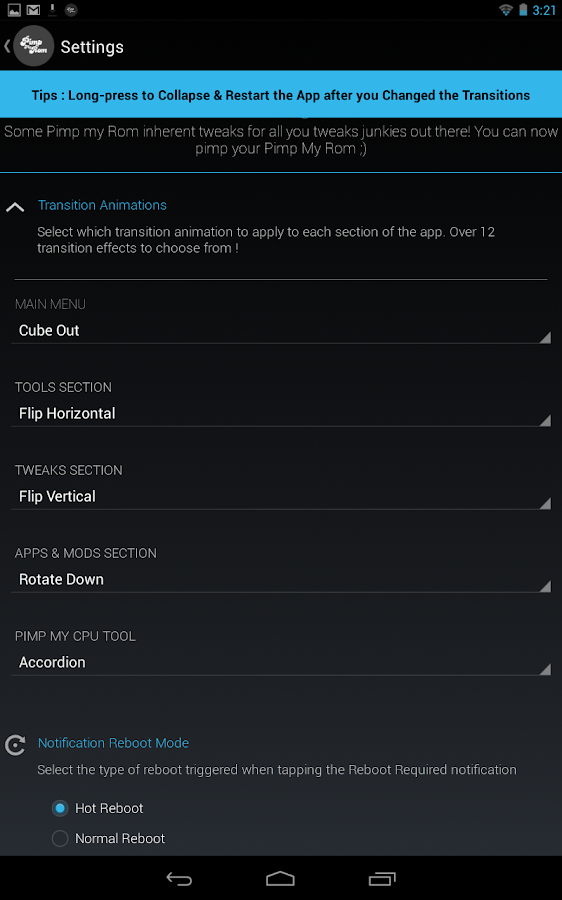
Pimp My ROM is an awesome app. It's way more useful than ROM Toolbox! (In my opinion) It offers a bunch of tools, tweaks and features that will make your phone rock.
One of these features is that we're going to use now. Yes, it's a
lock-apps-in-memory feature.


Firstly, download the app
HERE. Grant the superuser rights and make a rescue package - so if something (anything) goes wrong, you can easily revert  your system back. After that, proceed to tools tab and tap on lock apps in memory. Wait till it loads and you're done!

Now, if you swype an application and tap
lock in memory, the app won't be closed and you can enjoy your phone's speed. If you think your home button is taking nap and launcher redraws all the time, lock launcher in memory.

After locking your desired apps,
fully reboot your device to take the effect. Please mind if you lock too much apps in memory, the system might even not boot up and you won't be able do anything due to low RAM memory.

BLOG ADMIN 
SIVA AGGZZ


Posted By Unknown22:34

[NO ROOT] How to change the color of notification LED?

Plenty of devices now have notification LED lights. These lights, as the name says, notify you every time you got a new SMS, mail, or if anything happens. The light may come very handy sometimes but you cannot really distinguish whether you recieved a mail, or if it's a message. You have just to wake your phone up to see what's really happening. Well, not anymore. This handy app lets you to change the color of your LED and even doesn't require root access!

You obviously need a phone that has notification LED with color support to get this thing to work. The app is called Light Flow and it rocks:

This app will allow you to control the notification color for -


* SMS messages,

* MMS messages,
* New Gmail messages
* New e-mails
* Calendar reminders
* Missed calls
* Low battery
* Bluethooth
* Google Talk notifications / Hangouts
* Handcent
* No signal
* SMS Popup
* ChompSMS
* K9 mail
* Silent mode
 .. And many more, such like FB Messenger. It has simple interface, nice & smooth animations and it's really easy to control.


The lite version is available on the Google Play Store
for free but unfortunately, it's just a demo - the free version takes approximately 12 flashes (or 20 seconds) to change its color but the paid one changes its color almost immediatelly. So if you really want to use this app (and don't wanna wait till the LED turns its color), consider buying a paid version.


Posted By Unknown22:31

[APK] Cracked Google Play

Filled under:

An awesome app from ChelpuS brings the Cracked version of Google Play that allows user many features such as license verification in offline mode, disable self update and more.

Major features of the application -


- Can use app protected with Google LVL (License Verification Library) without cracking.

- Verify license in offline mode.
- No need to patch with Lucky patcher any more.
- Can NOT download paid apps for FREE!
- Disable self update.
- Not works with Billing and License Verification to Proxy.
- Icon changed.
- Button 'Refund' reworked! (When you press 'Refund' button, it refunds and does not uninstall the app.)
_________________________________________________________________________________
NO LUCKY PATCHER ANYMORE!

Everything is automatic.
Root is needed.

DOWNLOAD (Current version = 1.0.7)


(Report if not valid or file missing please).

Posted By Unknown22:29

Memory SWAP - Helps To Manage RAM

With The Swapping Of Your SD Card.. Handling Your Android Which has RAM Less Than 1 GB Is Made Easy.

Here's How: 
Before You Start Make Sure Your Device Is Rooted
And Has An EXT4 Partition (Here)

Install Swapper 2 , open and set Root permission, and click in "Ads Off"


Now go to Settings and set "Swap Size" and "Swappiness" (shown in images).


Now go to Advanced Preferences and set this:


Now go to principal screen of Swapper 2 and ON the swap partition.


Finish! Now, you have you SWAP partition working

Posted By Unknown12:52
Powered by KikBooks Widget